Signage before the 12th?
Can the new signs go up before we open?
Your documents, tasks, email and ideas in one place, each linked to what it belongs to. Virtual employees work on them with you. You set the direction.
For your business, your next project, and everything in between.
Maya, your contact at Northgate, asks if the new signs can go up before the shop opens on the 12th. Scroll to follow what it touches.
Tidy files the email with the person who sent it. Open Maya and it is there, beside every other conversation you have had with her.
You turn the email into a task: chase the signage proofs. The email stays attached, so nobody has to ask what it is about.
The task lives in the opening project, next to the plan, the dates and the people working on it.
You add it to the walk-through with Maya. The meeting now knows what needs deciding.
The notes say the signs are approved and go up on the 10th. They mention Maya and the task, and each mention is a link.
You assign the task to Penny, your virtual employee. She starts with everything it links to, not a blank chat.
They came from doing the work: replying, planning, meeting, assigning. Together they are Tidy's memory.
Click any card to see what it links to. How Tidy's memory works →
Can the new signs go up before we open?
Signs approved. Install on the 10th.
An illustration with fictional people. The links, search, sources and linked references it shows are how Tidy works.
Your journal holds the day's task, brief and meeting. Open any of them without leaving the page.
Each day gets a page. The calendar takes you to any other.
It is the real task, not a copy. Edit it here and it changes everywhere.
Notes, briefs and checklists sit beside the work they are about.
Give it a name, a role and a brief. Decide what it can see. Review its work where you do your own.

Message it, mention it, invite it to a meeting. Its work and memory stay in Tidy, not in a chat window.
It starts hosted in Tidy. If you want it on your own computer or server, Tidy handles the move.
With reflection on, it suggests new work and waits for your yes.
Start hosted in Tidy, or run it on a computer you choose. Its work stays in Tidy either way.
Nothing to install and no model account to bring. Your plan includes hosted employees.
Pick Hetzner, DigitalOcean, AWS Lightsail or OVH. Tidy sets it up on your account; you pay the host directly.
A laptop, an office server or a VPS. Run one command and it keeps working after a restart.
Switch any time. Her backlog, memory and skills go with her.
Harnesses, sign-in, credentials and the full setup are in the filmed walkthrough. Watch Penny's first day →
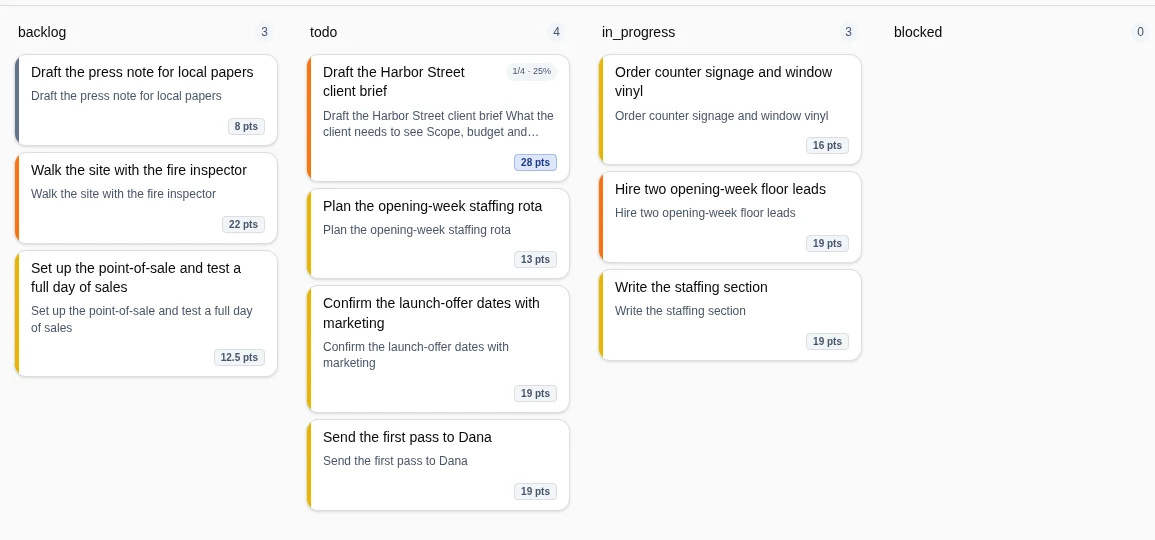
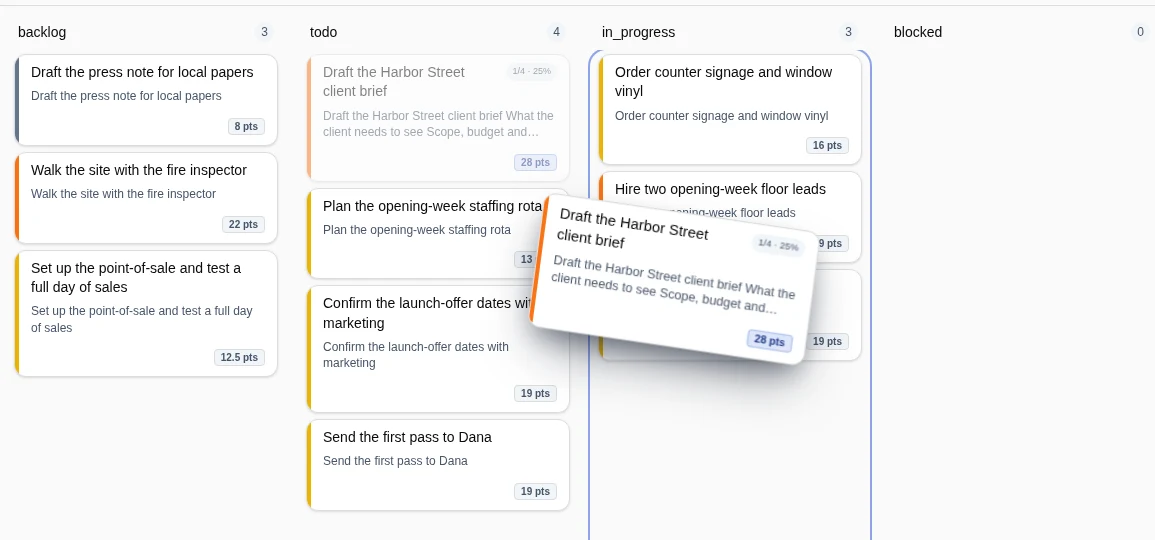
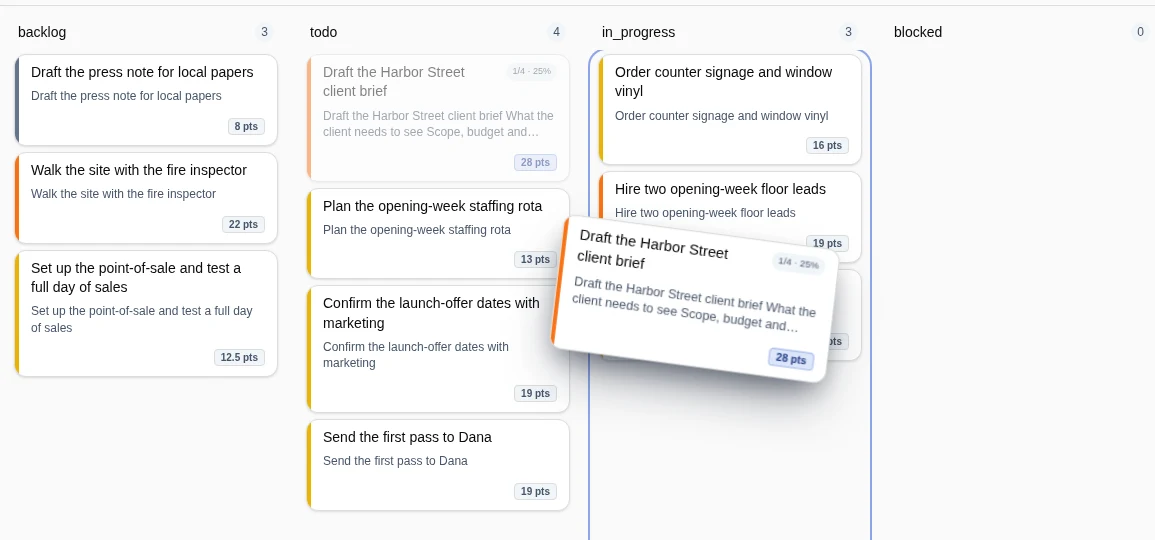
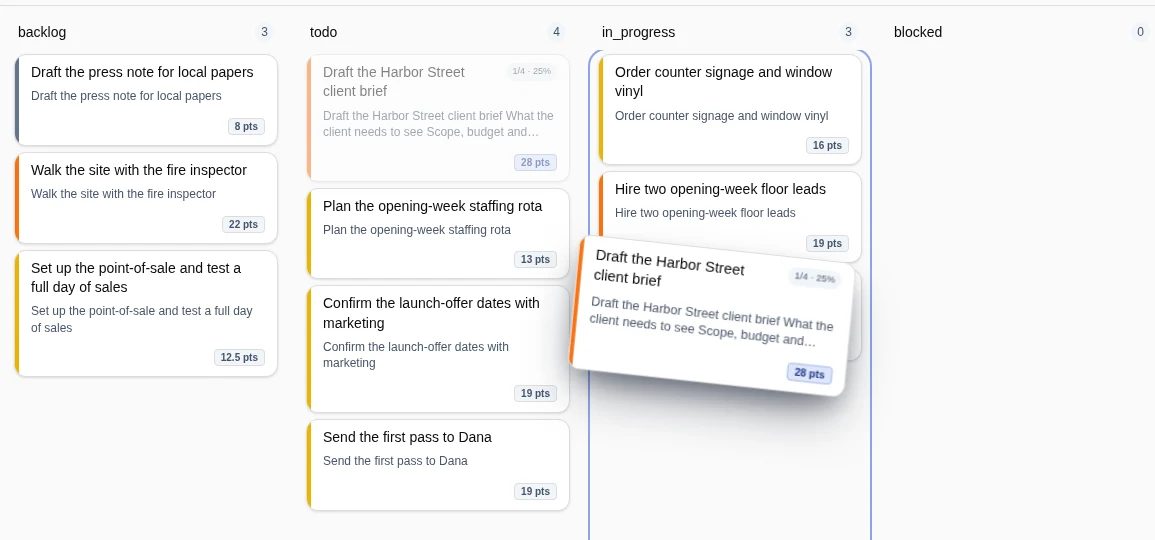
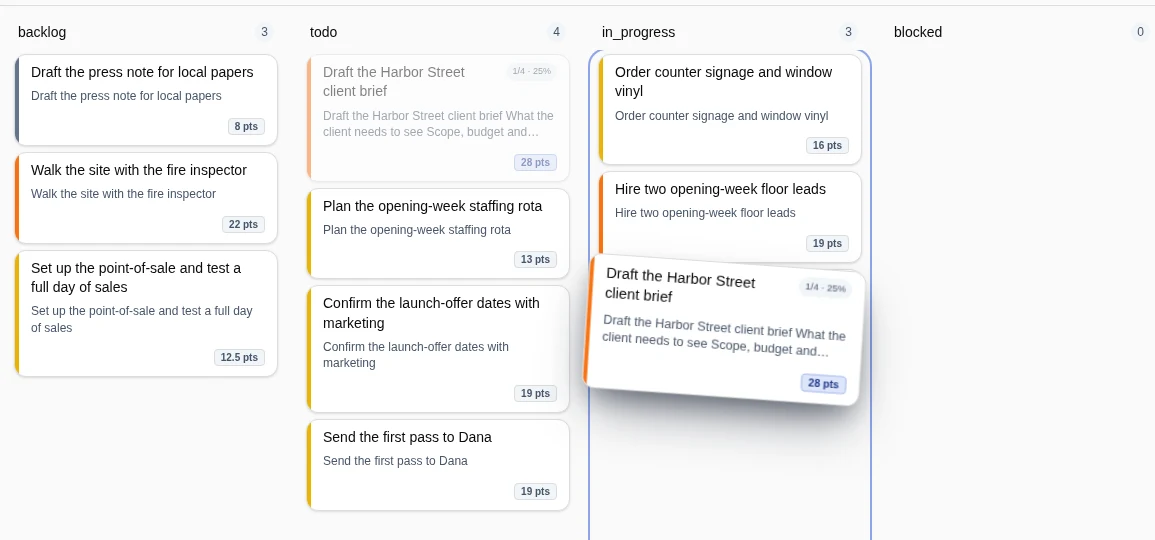
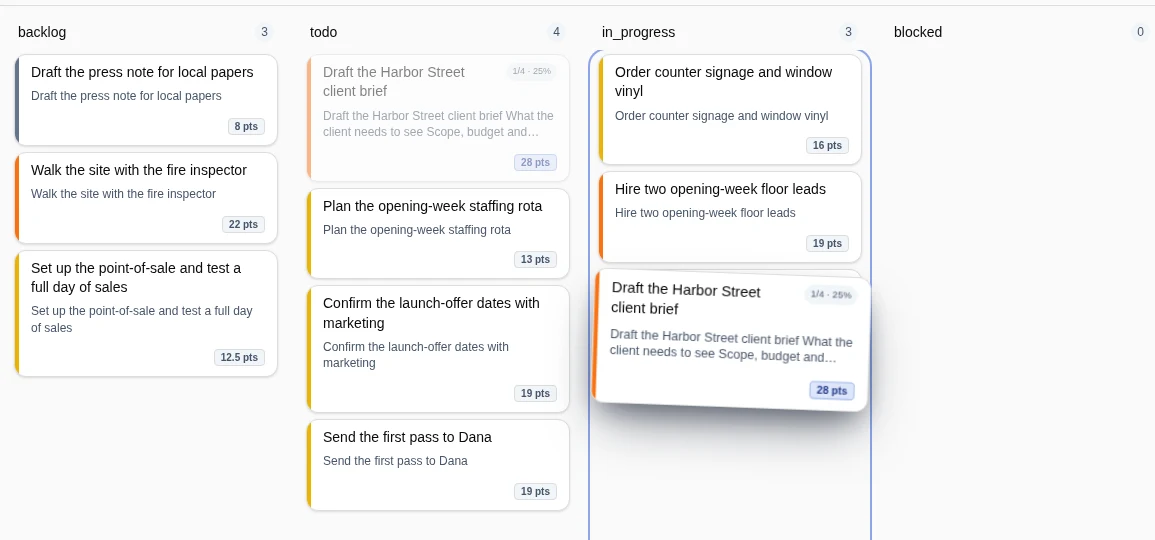
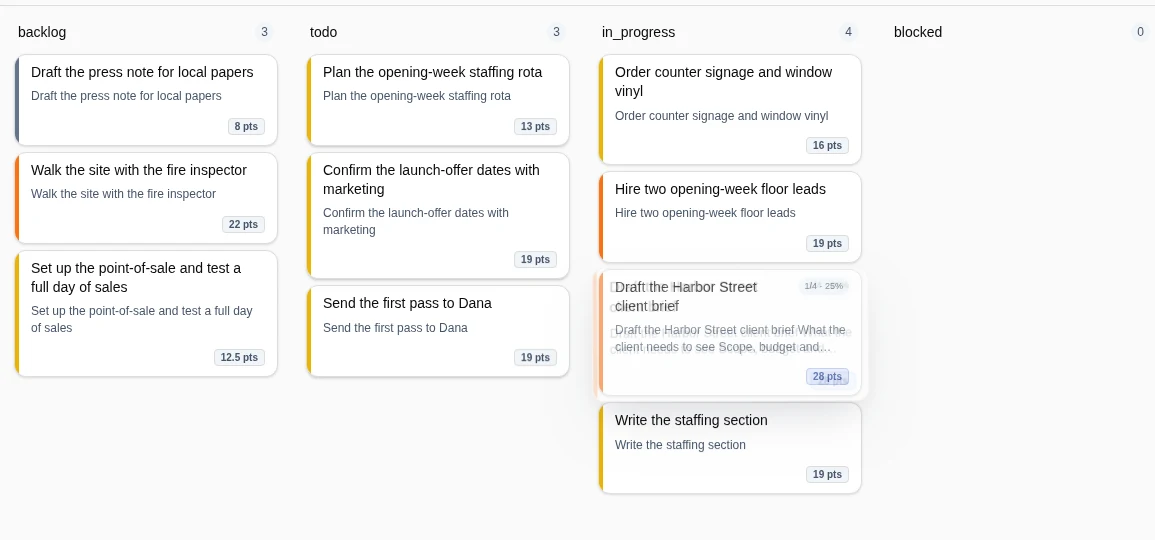
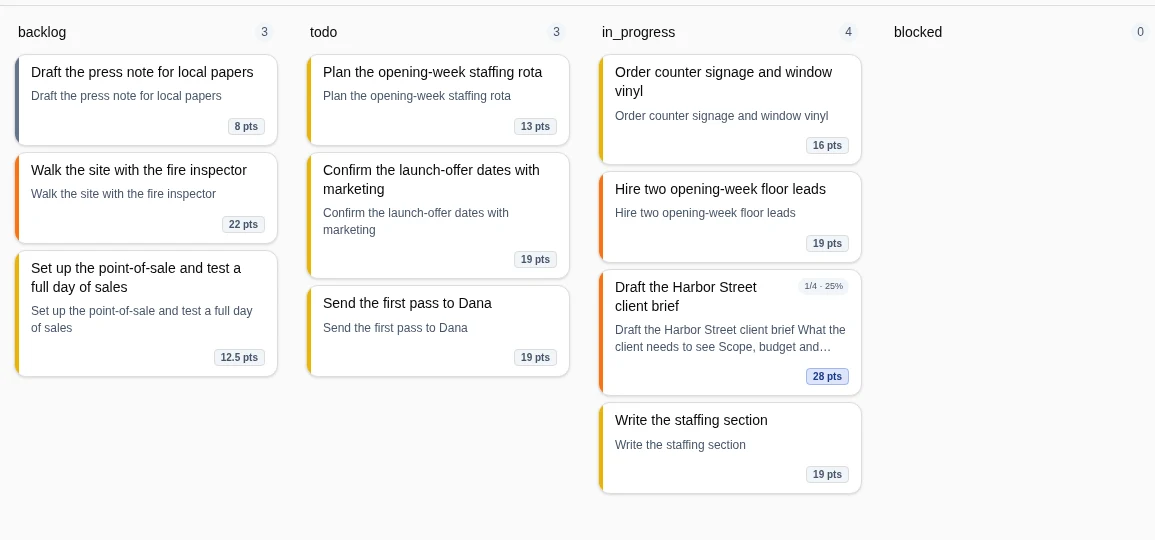
Post a task in chat, open it from the message, move it on the board. There is only ever one task, so nothing gets copied.
The task lives inside the message. Everyone sees the same one.
Anyone, Penny included, opens it right there: the brief, the checklist, the open questions.
Same task, now In progress on the board. One record in every view.
Every client gets a page that fills in as you work: who is who, who reports to whom, and every message and note behind them.
Members, titles, reporting lines and a primary contact. Add a person and Tidy suggests who else belongs.
Call notes, flagged threads, meetings, and a summary that stays current.
Client, project and tasks stay linked. The CRM is already in your workspace.
Open the Network view to see who and what connects to Maya, then jump to the source. How Tidy's memory works →
Tidy's Network view around Maya.
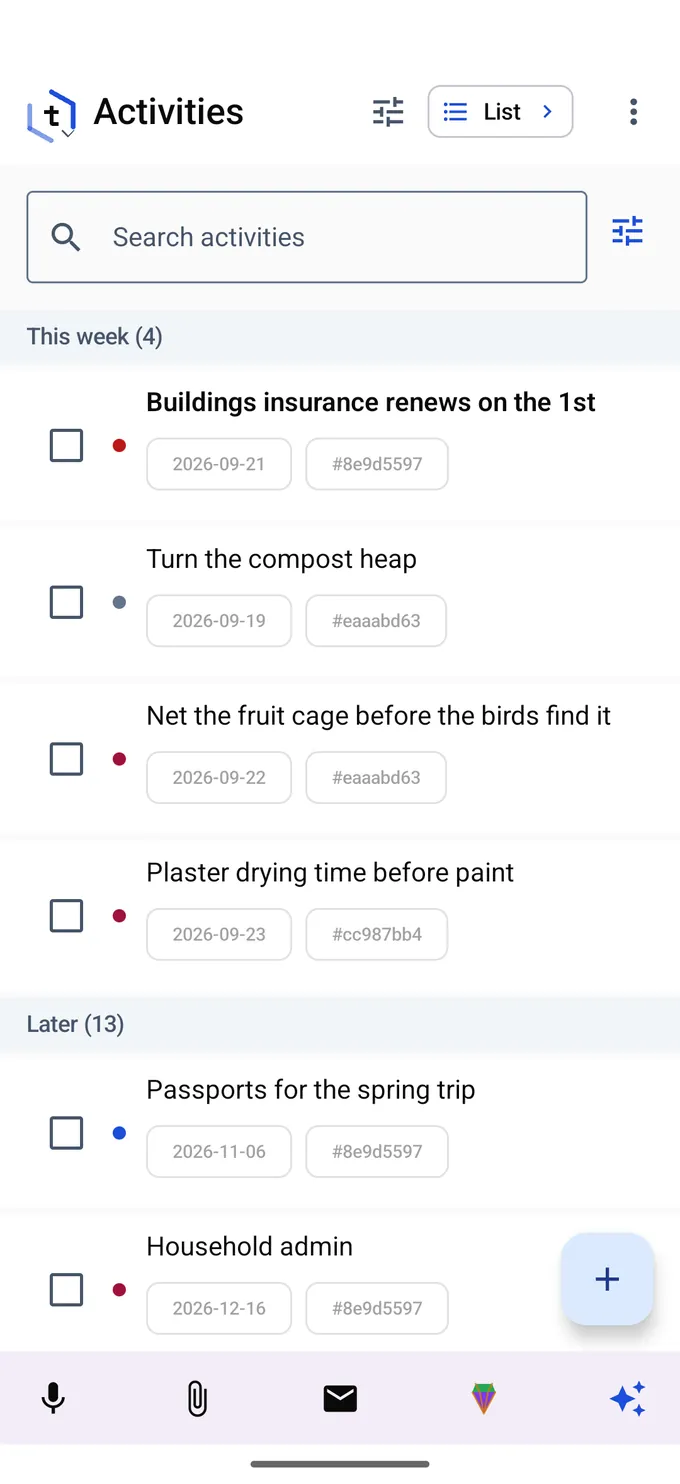
Say what you planted while your hands are still dirty. Tidy turns the note into the record, and the record into the reminder next spring.
Speech is recognized on the phone. Tidy files it: a task for the fruit cage, a record for the dahlias, the photo attached.
Each bed, planting and chore is a task with its dates, beside the household admin and the kitchen build.
Tidy writes a caption for each photo you add and lays them out by date. One note, one board, the whole year.
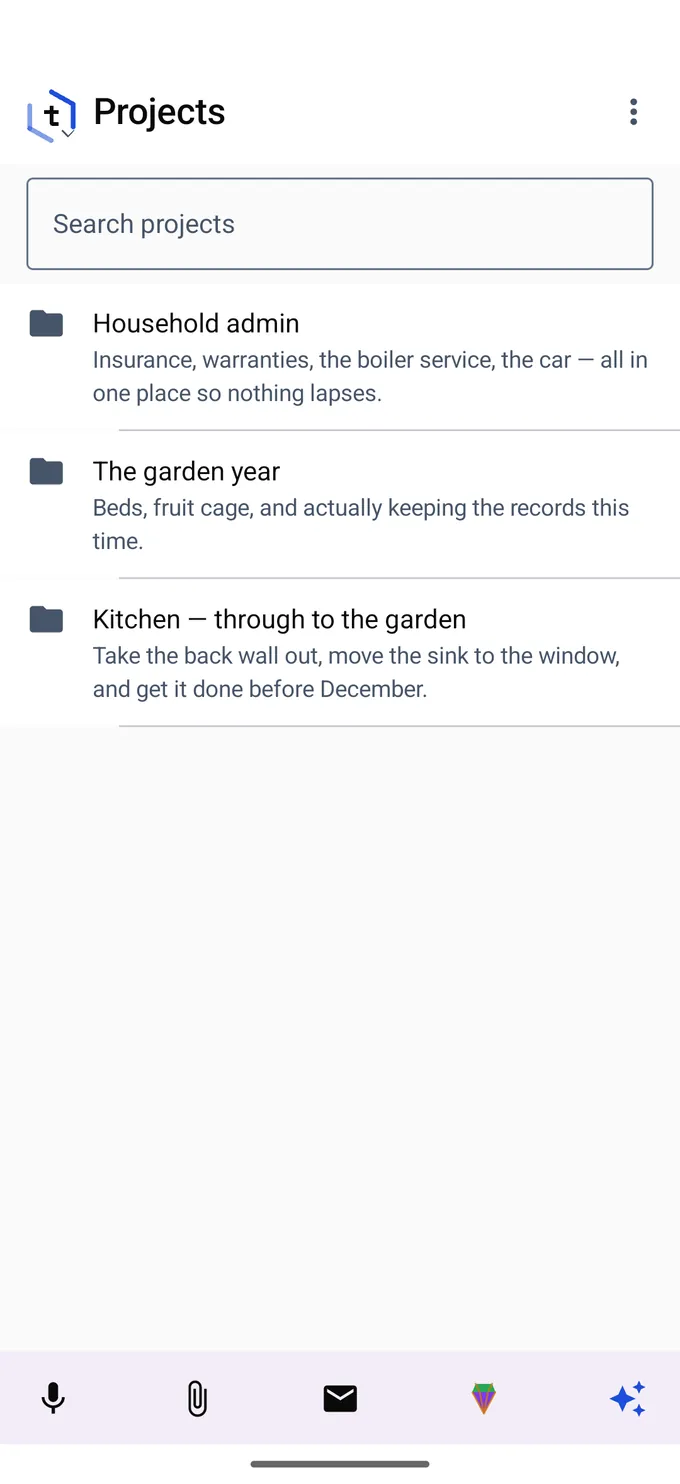
Tidy for a business Tidy for yourself
Real product captures from a demo workspace with fictional people. The network shows links entered for the demo.
Your journal, email, contacts and calendar travel with you, in a native Android app, not a wrapped website.
Fieldwork notes with an embedded activity, note and calendar event.
Speech is recognized on the phone, so no audio is uploaded. Say what it should become and Tidy files it.
Ask for a private podcast of what happened while you were away: the mail that matters, where projects stand, what is due.
Play it on the drive in, or on your wrist, and arrive already briefed.
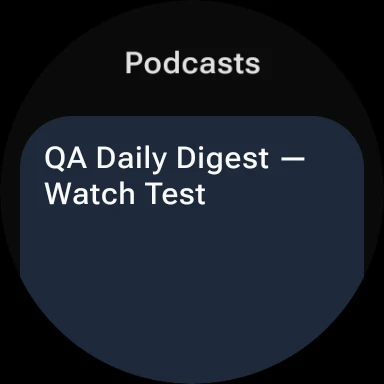
Real captures from the Android and Wear OS apps, in the same demo workspace. The watch episode is a test digest.
Web, Android and a Linux desktop app today. Everywhere Tidy runs →
Timeline, contacts, organization, inbox. The same records, seen four ways.
Open any capture to see it full size.
Start with the part you need.
Your workspace is stored on your device, so you can keep working offline. AI search needs a connection.
Local storage, offline use, and the shortest path to models on your own hardware.
Works on a plane and catches up when you land. Install it and it behaves like an app.
Fully native: journal, mail, contacts, calendar and capture. Dictation stays on the phone.
Episodes, quick capture and your channels, without taking the phone out.
Play the morning's episode with your hands on the wheel.
Being built now, on the same workspace you already use.
Start with one real project. Bring in your email and calendar, then move the rest when you are ready.
Get help setting up TidyYou decide what is shared and what each virtual employee can see. You are the customer, not the product.
No. Use Tidy for your own notes, projects, research and daily journal. Add collaborators or virtual employees when you want help.
It has a role, goals and assigned work in the same workspace as your team. You edit its output directly, and it can suggest new work for your review.
Yes. Choose from several agent harnesses and model providers, or use Tidy's own models. Run employees in Tidy or on machines you control. Local models depend on your hardware.
Tidy is in private beta on web and Android, with a desktop app on Linux. Windows, macOS and iOS are in development. Virtual employees are a Plus feature. An invite is required.
Start with the project you want to move forward. Bring your people, your ideas, and a little help.
Tell us where to send your private-beta invitation.
You’re on the list.
We’ll be in touch with an invite.